How to Design Character Lighting That Makes Characters Instantly More Memorable
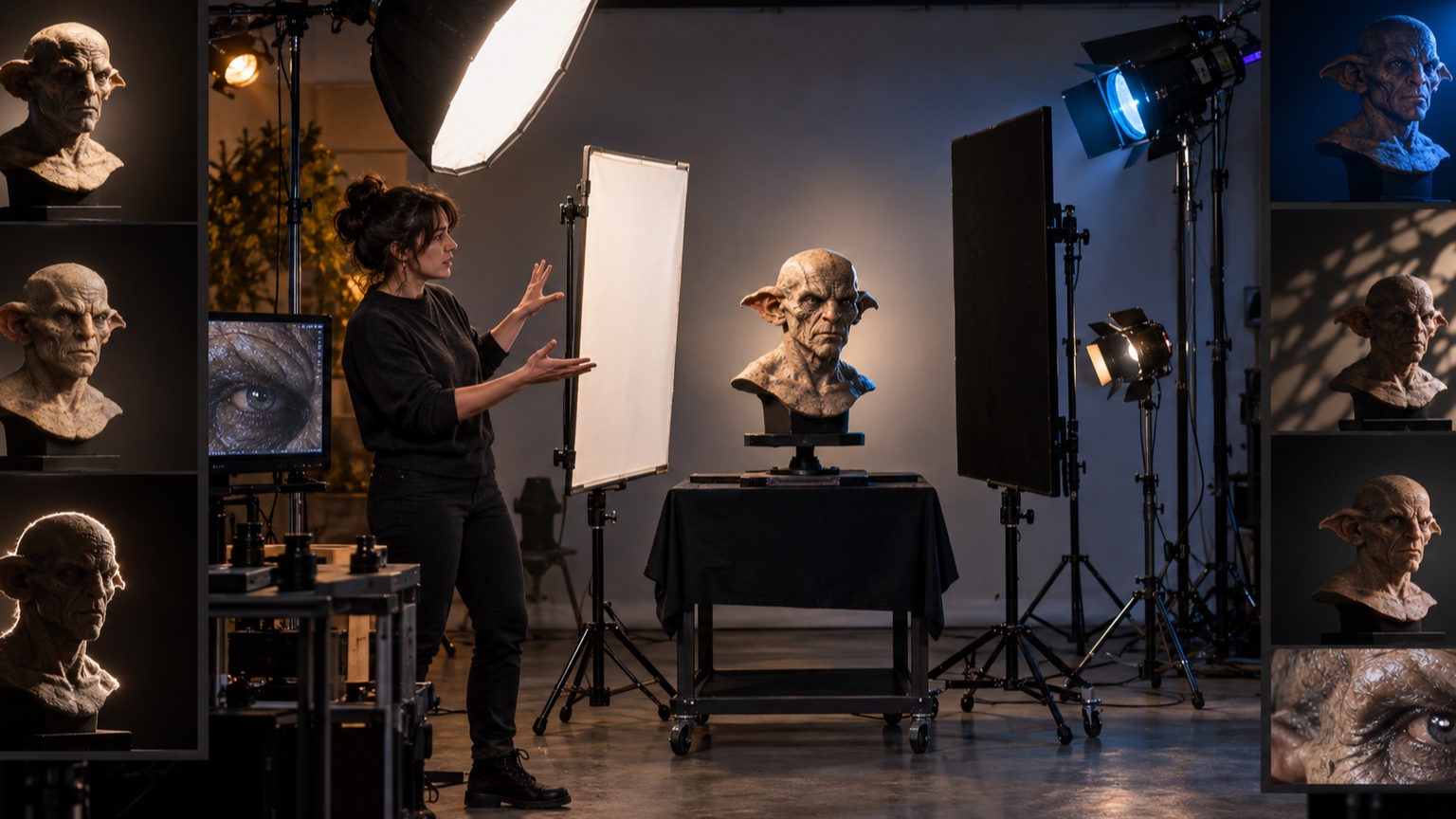
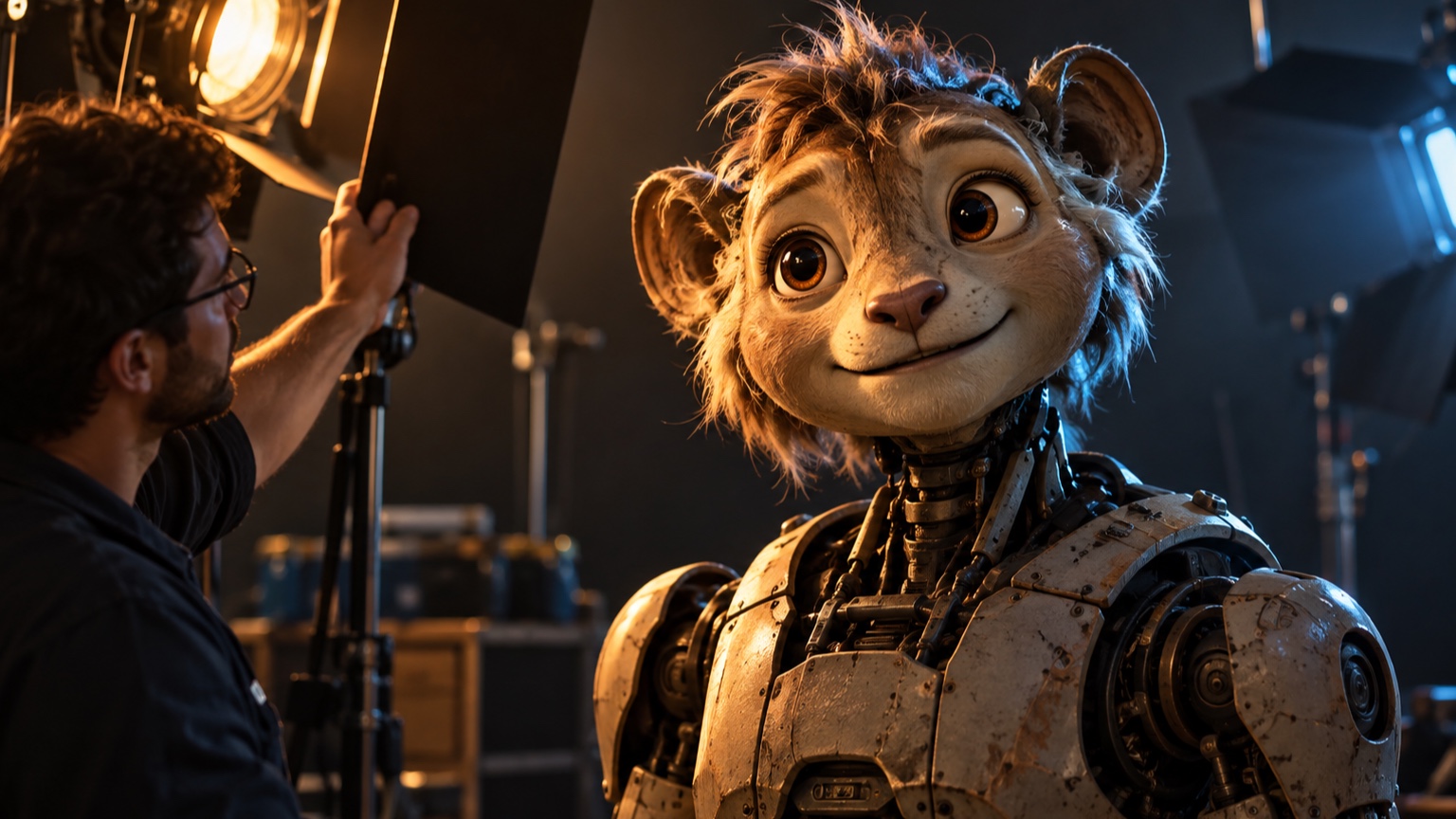
Memorable character lighting gives the audience a visual idea they can recognize before they study the costume or face. It might be a narrow warm eye light inside a cool silhouette, a low sidelight that turns a creature into a carved shape, or a recurring change that accompanies a character’s decision. The setup does not need many fixtures. It needs a clear hierarchy, a motivated direction, and enough control to survive different poses and audience views. Lighting becomes forgettable when every surface is evenly visible or when color, rim, pattern, and movement compete at full strength. This guide builds an identity from one lighting sentence, then protects silhouette, shadow shape, contrast, color, eyes, expression, materials, background, time, motion, viewpoints, darkness, prototyping, cue documentation, and recognition tests. The result should still reveal the character and support the story; a signature look is useful only when it can be repeated without sacrificing facial readability, comfort, or practical operation.
A: People add detail before proving the basic setup.
A: Yes. Wear, calibration, temperature, and handling can all shift it.
A: Use the signed-off version tested under final conditions.
A: No. Repeat the setup against the same baseline.
A: Make a stripped-down study and review it from the real audience position.
A: Only after it succeeds in two matching tests.
A: It should strengthen the main idea, not pull attention away from it.
A: Use the least amount that remains clear at audience distance.
A: Check transitions, side views, extreme ranges, and changing light.
A: Usually. Remove one secondary cue at a time and see whether the result still works.
Write One Lighting Idea
Describe the look in one sentence without naming equipment. “A cool figure with a warm pulse behind the eyes” gives the design a recognizable relationship. “Blue and amber lights” merely lists tools. Include the emotional or story purpose. Use the sentence to filter additions. If a gobo, rim, or color chase does not strengthen the idea, save it for another moment. A concise premise makes later cue and fixture decisions easier to defend. Create one reference frame that expresses the sentence with the fewest active sources. That stripped-down image becomes the standard when the setup grows more complicated.
Protect the Character Silhouette
Decide where the outer contour must separate from the background and where it may disappear. Full separation can feel flat; selective loss creates mystery. Preserve recognizable head, shoulder, prop, and gesture shapes at the important moments.
View the character as a black cutout against each background state. Add rim or background contrast only where the contour needs help. Avoid outlining the entire figure with an equal halo.
Protect asymmetrical features that define identity. A horn, hat, tool, or shoulder shape may need separation on one side while the opposite contour can disappear completely.
Choose a Motivated Key Direction
Place the main light as though it comes from a believable source in the scene: window, moon, fire, machinery, display case, or overhead practical. Motivation helps the audience accept a stylized angle and gives designers a rule when the character moves. Test height and side before color. A slightly higher source may carve the brow and hide the eyes; a low source can feel theatrical or threatening. The direction should reveal the forms most important to identity. Mark the source direction on the ground plan. When the character travels, that fixed rule helps each new position feel connected to the same environment.
Design the Shadow Shape
Treat the shadow as a graphic shape across the face and body. Decide where its edge crosses the nose, mouth, costume, and hands. A stable, intentional shadow pattern is often more memorable than a bright wash.
Control softness according to scale and mood. Hard edges make shape changes obvious, while soft transitions preserve gentle volume. Flags and source size should shape the boundary without creating cluttered fragments. Photograph the shadow alone on a neutral stand-in. This makes it easier to judge its graphic quality without being distracted by costume color or facial detail.
Set a Clear Contrast Hierarchy
Reserve the brightest highlight and deepest useful contrast for the focal area. Supporting surfaces can remain visible at lower contrast. If the face, prop, rim, background, and floor all peak equally, the eye has no reason to choose the character. Check exposure in grayscale and from the audience distance. Small bright fixtures in the scene may overpower a subtly lit face. Dim or shield them before increasing every character light. Allow a little headroom above the approved highlight level. Surfaces and replacement fixtures change over time, and a setup already at its limit leaves no room for correction.
Use Color to Reinforce Identity
Choose a limited palette tied to the character’s world and emotional role. A recurring warm-cool relationship can become recognizable across scenes even when intensity changes. Keep skin, paint, and costume response in mind.
Avoid saturating every source. Neutral or lightly colored fill gives saturated accents room to work. Test colors on the actual materials because pigments and reflective finishes can shift them dramatically.
Check the palette after viewers have adapted to the surrounding space. A color that feels vivid during isolated programming may appear muted beside bright lobby light or nearby screens.
Create Recognizable Eye Light
Catchlights reveal gaze and can become a signature detail. Choose their size, shape, and position deliberately. A broad soft reflection feels different from a tiny sharp point or a colored internal glow. Keep both eyes coherent while preserving the intended angle. Multiple uncontrolled reflections can make gaze difficult to read. For physical characters, check moving eyes and lids through their full range so the highlight does not vanish unexpectedly. Film a slow gaze sweep and watch only the reflections. The signature eye light should move predictably and should not jump between competing fixtures.
Model the Face for Expression
Expression depends on light reaching the eyes, brows, cheeks, mouth, and jaw in useful proportions. Test neutral, concern, smile, speech, and extreme poses rather than approving one beauty angle. A dramatic shadow may erase the very change the audience needs to see.
Use fill selectively instead of flattening the entire face. A small bounce near the eyes or mouth can restore information while leaving the main shadow intact. Watch for glare on teeth, glossy eyes, and flexible skin. Invite the performer or animator into this review. Lighting that supports one frozen expression may fail the timing and range used in the actual scene.
Separate Materials With Light
Let each material respond according to its surface. Soft fabric benefits from broad shape, metal from controlled reflections, skin from gentle tonal transitions, and wet or glossy areas from carefully placed highlights. One frontal source often makes them feel identical. Move or enlarge sources before adding more of them. A slight angle change may distinguish a leather coat from a metal plate while preserving the overall concept. Keep signature highlights away from seams and fabrication flaws.
Coordinate Background and Rim Light
Background value determines how much edge light is necessary. A bright background can silhouette the figure without a rim; a dark background may need a narrow separator on selected contours. Design the pair together.
Avoid a rim that is brighter than the face unless the story calls for it.
Shape the beam with flags so it does not spill across the nose or chest. Check haze, reflective scenery, and audience sightlines for unwanted flare.
Build a Signature Change Over Time
A memorable look can include transformation: a warm light waking behind the eyes, a shadow narrowing as the character decides, or a color temperature shifting during a reveal. Tie the change to a clear beat rather than running it continuously. Give the audience time to register the before and after states. Smooth fades suit gradual realization, while a quick change can mark impact. Use restraint so the signature cue remains meaningful when it returns.
Preserve Readability During Motion
As the head and body turn, features leave the key and reflective surfaces find new angles. Run the full performance under the proposed setup. Note where gaze, mouth, hands, or silhouette disappear.
Correct the most important losses with broader source placement, limited tracking, or carefully chosen fill. Do not chase every moving part with a spotlight; the lighting should feel stable enough to belong to the environment.
Design for Audience Viewpoints
Map the primary seats and the widest required viewing zone. A sidelight that models the face beautifully from center may become a blinding source or flat front light from the side. Test height differences as well as horizontal angles. Prioritize the views used for key story moments, then make secondary positions acceptable. Shield fixtures and internal sources from direct sight. Photograph the character from marked locations so later adjustments use the same comparisons.
Use Darkness Deliberately
Darkness can conceal mechanisms, simplify a busy costume, and create anticipation.
It works when the audience still knows where to look and what information is being withheld. Unplanned darkness merely makes the character hard to understand.
Choose which features can disappear and protect the ones needed for story. A faint eye reflection or hand highlight may hold attention while the body recedes. Allow dark adaptation and nearby screen brightness for in real-world tests.
Avoid Competing Effects
List every active lighting element—key, fill, rim, practical, gobo, color shift, animation, background, and haze. Rank them by purpose. Reduce or remove any element that repeats information without improving the read. Competition often appears over time. Two chases with different rhythms or a moving gobo across an expressive face divide attention. Solo each system, then combine them in order of importance. Watch the cue once with the character removed. Any effect that still commands the entire scene may be too strong to serve as supporting light.
Prototype With Simple Fixtures
Use clamp lights, flags, diffusion, colored gel, and a small-scale model to explore direction and contrast before specifying final equipment. Lock camera exposure and label positions so options can be compared honestly.
Prototype one decision at a time. First find the key angle, then shadow softness, fill, color, and accents. Expensive fixtures will not make an unclear idea more memorable.
Record Repeatable Lighting Cues
Document fixture position, angle, beam, intensity, color, focus, accessories, control values, and timing. Add photographs from audience positions and close views of important features. Name each cue by story function rather than only a number. Record acceptable ranges and failure signs. A few degrees of focus drift may erase a catchlight or expose a seam. Repeatability turns a signature look into a dependable part of the character.
Test Recognition With Fresh Viewers
Show several lighting states briefly to people who do not know the design. Ask which image belongs to the character and what they remember about it. Do not explain the intended signature first.
Look for consistent descriptions rather than approval. If viewers remember an accidental bright prop instead of the face or shadow idea, revise the hierarchy. Repeat the test at final scale and after the cue has been seen in motion.
Test recognition again several days later using still frames without titles. Delayed recall is a useful measure of whether the lighting idea truly became part of the character’s identity. Finish by testing the signature look in the least favorable normal conditions: an off-center seat, a dark costume pose, the widest head turn, and the dimmest usable cue. The design does not need to look identical everywhere, but its defining relationship should survive. Save one uncluttered reference image and a short cue video alongside the technical paperwork. Those references help future programmers distinguish the character’s visual identity from incidental fixture choices. If a replacement light or revised scene can preserve the same shadow, color relationship, eye treatment, and hierarchy, the memorable idea has been documented successfully rather than trapped in one fragile setup.