How Motion Illusion Works: A Complete Guide for Beginners
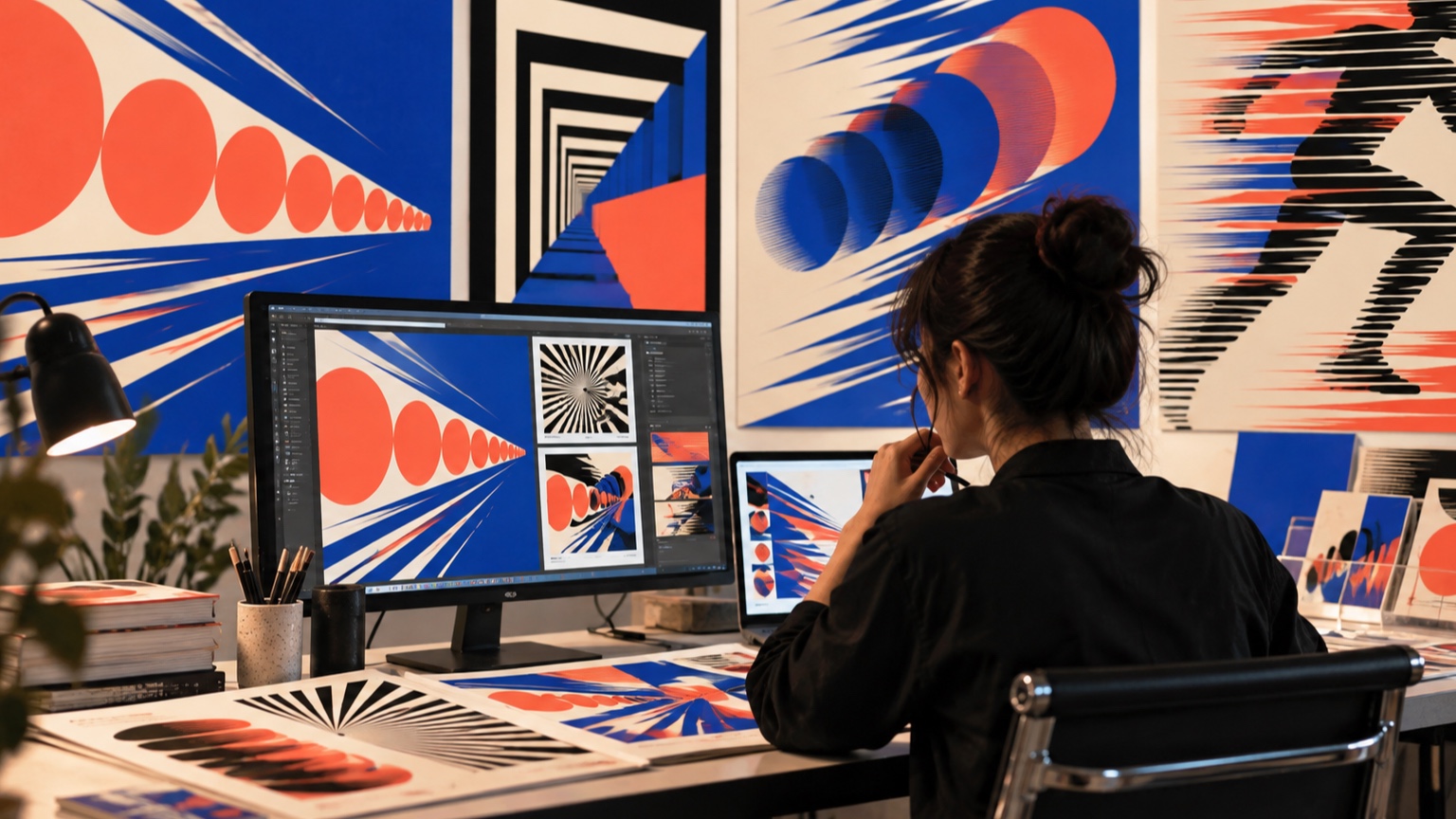
Motion illusions work because vision is an active process. The eye receives changing patterns of light, but the brain must decide what those changes mean: an object moved, the viewpoint shifted, one image replaced another, or a hidden object continued behind an obstruction. Designers can guide that interpretation with sequence, spacing, contrast, occlusion, parallax, lighting, and sound. None of these cues is magic on its own. Their strength comes from agreement. A row of lights can appear to chase when adjacent lamps turn on at the right interval; layered scenery can seem deep when nearer pieces cross the view faster than distant ones; a still image can suggest speed when its shapes lean and repeat along a clear path. This guide explains the perceptual ideas behind those effects and turns them into practical tests. Begin with a simple event, make the cue easy to isolate, and watch from the intended viewpoint. Once the illusion reads reliably, additional detail can make it richer without hiding why it works.
A: Make a stripped-down study and review it from the real audience position.
A: Only after it succeeds in two matching tests.
A: It should strengthen the main idea, not pull attention away from it.
A: Use the least amount that remains clear at audience distance.
A: Check transitions, side views, extreme ranges, and changing light.
A: Usually. Remove one secondary cue at a time and see whether the result still works.
A: Include the person responsible for the final medium and someone seeing the work fresh.
A: Save the view, settings, materials, limits, and test conditions.
A: Yes. Scale, light, background, and viewing angle can change the result.
A: It should succeed repeatedly under final conditions.
Separate Physical Motion From Perceived Motion
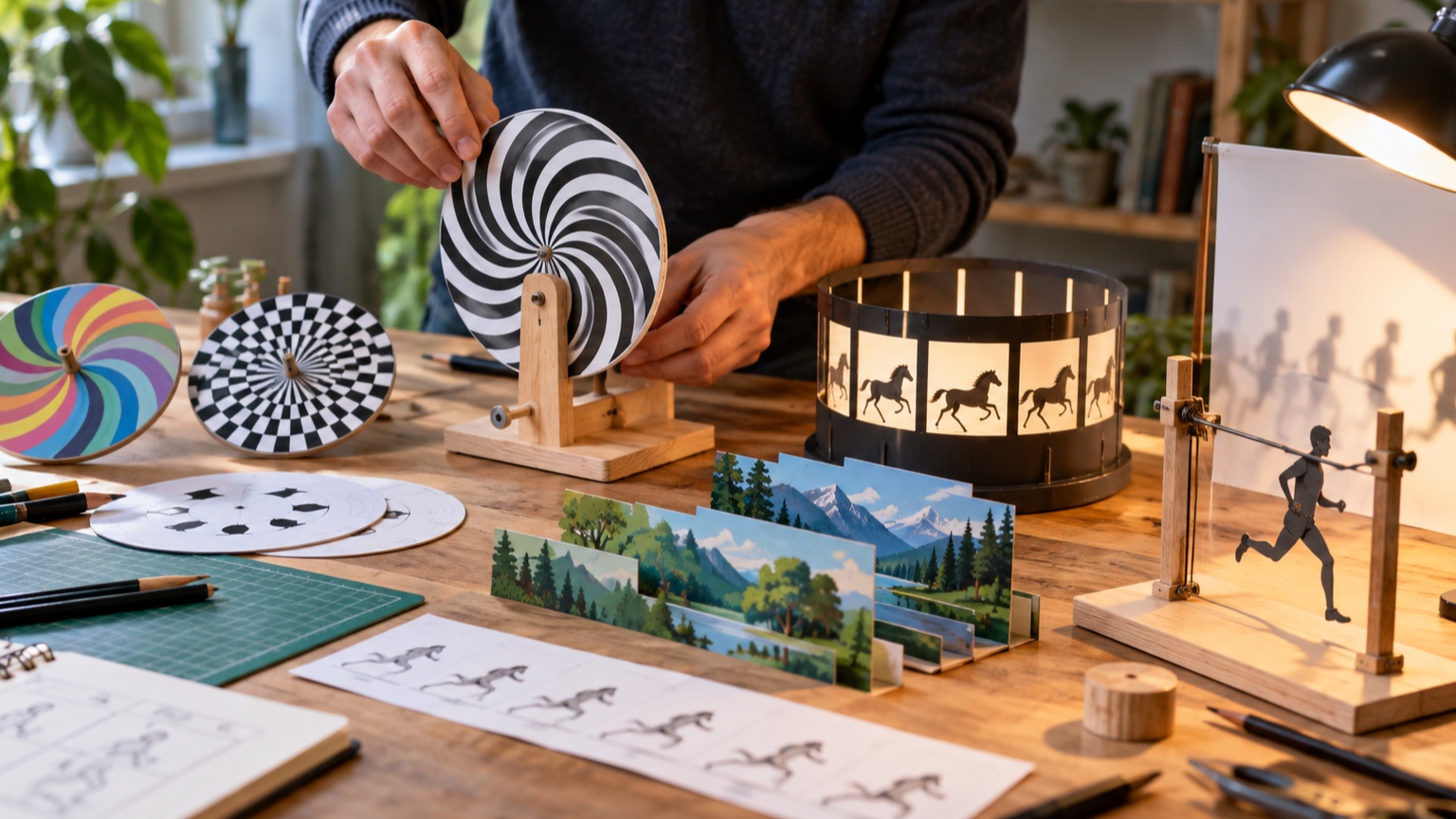
Physical motion is a measurable change in position. Perceived motion is the experience created in the viewer, and the two do not always match. A sign made from stationary bulbs can appear to move when the bulbs switch in sequence. A rotating drum can make separate drawings look like one continuous action. Even a fixed picture can imply motion through pose, cropping, or repeated edges. This distinction is useful because it expands the designer’s options. If moving a large object is unsafe or expensive, moving light across it may create the needed impression. If the object truly moves, the illusion can still exaggerate speed or direction. State which parts are physically changing and which parts only appear to change before choosing hardware or artwork.
Understand Apparent Motion
Apparent motion occurs when separate visual events are close enough in space and time that the brain links them into one moving event. The familiar chase-light effect is the simplest example: one lamp turns off as the next turns on, and the bright point seems to travel.
Timing controls the interpretation. Long gaps reveal separate flashes. Very short gaps can make several lights seem active together. Between those extremes lies a useful range where direction is obvious without exposing each step. The correct interval depends on viewing distance, brightness, spacing, and the complexity of the pattern, so test with the real display instead of relying on a universal number.
Use Persistence Without Depending on Myths
People often explain animation by saying an image remains on the retina until the next image arrives. Vision is more complicated than a literal stack of fading pictures. Brief visual persistence contributes to continuity, but apparent motion, masking, attention, and the brain’s tendency to connect related events also matter. For practical work, the lesson is straightforward: frames must change quickly and coherently enough to be grouped, yet remain distinct enough to preserve the action. A bright image can leave a stronger afterimage than a dim one, and a dark interval can produce flicker. Judge the whole viewing experience rather than trying to design around a single simplified rule.
Create Direction With Sequence
Order tells the audience where movement is going. Three elements activated left to right suggest travel to the right; reversing the order reverses the motion. The same principle works with drawings, mechanical reveals, changes in color, or a series of sounds tied to positions.
Keep the first sequence unmistakable. Use evenly spaced steps and a simple path, then introduce turns, pauses, or reversals. If two directions compete, viewers may see jumping rather than travel. A short hold at the destination can clarify that the movement arrived somewhere instead of restarting accidentally.
Control Speed Through Spacing
Equal changes at equal time intervals read as steady speed. Wider spatial gaps between successive positions suggest faster travel, while tighter gaps suggest slowing down. Animators call this spacing, and it matters even when the overall frame rate never changes. Try drawing the same ball in five positions across a page. Space the positions evenly in one row, bunch them near the start in another, and bunch them near the end in a third. The first feels constant, the second accelerates, and the third eases to a stop. This small exercise makes timing visible before any playback or mechanism is built.
Use Occlusion to Hide Discontinuity
When an object passes behind something, the viewer expects part of its path to be hidden. Designers can use that expectation to conceal a jump, reset, or exchange. A figure may enter behind a column and emerge as a different physical piece, yet the motion still feels continuous if direction, speed, and appearance agree.
The cover must last long enough to perform the hidden change without lingering so long that the audience forgets the path. Entry and exit positions also need to line up. Test the seam from off-center seats, where the masking object may reveal more than it does from the ideal viewpoint.
Exploit Parallax and Relative Motion
Nearby objects sweep across the field of view faster than distant ones when the observer or camera moves. This parallax provides a strong depth cue. Layered scenery can use different travel rates to suggest a much larger space than the physical set contains. Relative motion also changes interpretation. A stationary character can appear to move forward if the background travels backward. A slowly rotating foreground piece can make a distant layer feel even farther away. Preserve consistent direction and scale relationships; if every layer moves at the same rate, the scene tends to flatten into one sliding panel.
Let Lighting Reveal Only What Matters
Light can create motion by shifting attention from one form to another. Sequentially illuminating parts of a sculpture may suggest a wave crossing its surface even though nothing moves. A narrow beam traveling across texture can also make ridges appear to rise and fall.
Control spill carefully. If the audience sees all stages at once, the progression weakens. Contrast does not need to be extreme, but the active area should be easier to read than the inactive area. Reflective materials, ambient light, and pale scenery can leak enough brightness to expose the method, so test the effect under show conditions.
Add Sound as a Motion Cue
Sound can indicate direction before the visual motion is fully understood. A scrape that travels from a left speaker to a right speaker encourages the audience to follow the same path with their eyes. A rising pitch may imply approach or increasing energy, while a fading sound suggests departure. Synchronize important accents, but avoid matching every visible step with an identical sound. That can make the effect feel mechanical and may reveal the sequence. Often one onset, one travel cue, and one arrival accent are enough. Listen from several seats because speaker placement can pull attention away from the intended visual source.
Design for One or Many Viewpoints
Some illusions depend on a precise line of sight. Forced perspective, aligned layers, and hidden exchanges can collapse when viewed from the side. That limitation is acceptable if the audience position is controlled, but it must be acknowledged in the design.
For walk-around installations, favor cues that survive viewpoint changes: recognizable sequences, broad lighting shifts, real depth, and silhouettes that remain clear. Mark the intended viewing zone on the floor during prototypes. Then deliberately step outside it to learn how the illusion fails and whether barriers, staging, or a redesigned mask are needed.
Build a Low-Risk Prototype
Use paper, cardboard, desk lamps, phone screens, and simple tracks to answer the perceptual question before investing in finished parts. A rough model can reveal whether a sequence reads, whether a mask is wide enough, or whether the viewing distance compresses the layers. Do not ask one prototype to solve everything. A tabletop light test can establish timing, while a separate full-scale cardboard mockup checks sightlines. Record the setup and change only the factor under review. Informal tests become much more useful when the team can reproduce them the next day.
Measure Timing Instead of Guessing
Human judgment is excellent for deciding whether movement feels right, but poor at reproducing an interval from memory. Use frame counts, timestamps, controller values, or a metronome once a promising rhythm appears. Measurements make comparisons possible and protect the effect during handoff.
Measure from the audience’s experience, not only from a command signal. Motors take time to accelerate, lamps fade at different rates, and video systems introduce latency. Film the actual output at a known frame rate and count what viewers see. The difference between instruction and response is part of the design.
Use Acceleration to Suggest Weight
Heavy objects usually resist sudden changes in speed. They gather momentum, take time to stop, and may cause secondary parts to lag behind. Light objects can reverse direction quickly and settle with less consequence. An illusion can borrow these expectations even when the moving element has little real mass. Shape the beginning and end of travel instead of using constant speed everywhere. A large door may start almost imperceptibly, gain speed, then compress into a firm stop. A darting creature may launch quickly and correct its position in small bursts. Watch for mechanisms that ease so gently they drain the action of intent; weight and sluggishness are not the same thing.
Prevent Adaptation and Fatigue
Repeated motion loses impact when viewers learn the pattern. A continuous loop can also produce visual fatigue, especially when it contains flicker, high contrast, or strong peripheral movement. Give the eye quiet periods and allow the effect to reset out of attention when possible.
Variation should preserve the rule that makes the illusion readable. Change the pause length, starting point, or scale rather than randomizing every parameter. For public installations, observe people over time. A sequence that delights during a ten-second test may become irritating after several minutes in a queue.
Combine Cues Carefully
The strongest effects often combine sequence, sound, lighting, occlusion, and real motion, but each cue should support the same event. A light moving right while sound travels left creates uncertainty unless contradiction is part of the story. Start with the dominant cue and add others one at a time. After every addition, temporarily remove the original cue. This reveals whether the new layer contributes useful information or merely adds activity. It can also expose accidental dependencies, such as an animation that only reads because the sound explains it. A robust effect remains understandable even when one supporting system is reduced.
Protect the Secret Without Confusing the Story
Hiding the method is different from hiding the action. Masks, darkness, speed, and distraction can conceal machinery, but too much concealment leaves the audience unsure what happened. Let viewers see the important beginning, direction, and result even if the middle contains a hidden exchange.
Arrange attention deliberately. A bright focal point can pull the eye away from a reset, while scenery can block an unused return path. Avoid adding visual clutter simply to camouflage equipment. The audience should remember the event, not feel that they missed it.
Test With Fresh Viewers
People who built an illusion know where to look and unconsciously fill in missing steps. A fresh viewer does not. Show an early version without explaining the intended effect, then ask what moved, where it went, and what caused the change. Listen for hesitation and competing interpretations. If several viewers make the same “wrong” reading, treat it as design evidence rather than user error. Change the clearest relevant cue—direction, interval, contrast, or masking—and test again. Five short observations can be more valuable than a long debate among people familiar with the mechanism.
Document the Working Envelope
Record the conditions under which the illusion works: viewing zone, light level, timing range, layer spacing, playback rate, sound level, and acceptable mechanical travel. Include photographs from approved and failed positions. This working envelope tells future operators what can change safely.
Also document reset behavior and failure signs. A lamp that fades too slowly, a layer that drifts a few millimeters, or a delayed audio cue may weaken the result before anything appears broken. Clear limits turn a fragile trick into an effect that can be maintained and repeated.