Motion Illusion Design Basics: How to Make Still Images Look Like They Move
A sequence of still images can feel alive when each image gives the eye the right evidence of change. The effect depends less on drawing a large number of frames than on choosing meaningful poses, controlling the distance between them, and keeping stable features consistent. A bouncing ball, turning head, swinging sign, or running figure can all be planned with the same basic questions: What action is taking place? Which moments define it? Where does the movement speed up, slow down, leave the frame, or return to the beginning? Still-image motion also appears in physical devices such as flipbooks, zoetropes, barrier-grid prints, layered cards, and illuminated displays. Each format imposes different limits on alignment, frame rate, contrast, and viewing position. This guide begins with the action and key poses, then works through spacing, loops, silhouette, optical effects, photography, playback, and physical construction. The aim is a sequence that reads clearly before surface detail is added and remains stable in its final medium.
A: Only after it succeeds in two matching tests.
A: It should strengthen the main idea, not pull attention away from it.
A: Use the least amount that remains clear at audience distance.
A: Check transitions, side views, extreme ranges, and changing light.
A: Usually. Remove one secondary cue at a time and see whether the result still works.
A: Include the person responsible for the final medium and someone seeing the work fresh.
A: Save the view, settings, materials, limits, and test conditions.
A: Yes. Scale, light, background, and viewing angle can change the result.
A: It should succeed repeatedly under final conditions.
A: No. Inspect the craft up close, then judge the result at audience distance.
Choose One Action for the Sequence
Describe the movement with a specific verb and an endpoint. “A hand reaches for the lever and stops short” is more useful than “the hand moves.” It identifies direction, intention, and a moment of change. Keep the first sequence short enough to understand at a glance.
If an action contains several ideas, split it into beats. The hand notices the lever, begins the reach, hesitates, and withdraws.
Each beat can later receive its own timing, but the audience should still be able to summarize the event in one sentence. That clarity prevents extra frames from becoming empty motion.
Identify the Key Poses
Key poses are the moments the action cannot lose. For a jump they may include the crouch, takeoff, highest point, landing, and recovery. Draw these positions first and place them in order without worrying about smoothness. If the action is not recognizable from the keys, additional drawings will only make an unclear idea move more fluidly. Compare silhouettes and centers of mass between keys. A pose should show both where the subject is and what force is acting on it. Exaggerate the directional difference during this stage; refinement can reduce it later.
Add In-Between Images Deliberately
In-betweens describe the route from one key pose to the next. They should not be automatic averages. A hand swinging in an arc needs intermediate positions on that arc, while a rigid prop should preserve its length and orientation as it travels.
Add one in-between and preview the sequence before adding several more. The new image may improve continuity, or it may soften an important snap. More frames create smoother playback, but they also lengthen the action and can make it feel weightless. Every added image should solve a visible problem.
Vary Spacing to Change Speed
Spacing is the visible distance between successive positions. Wide gaps feel fast; tight gaps feel slow. A sequence can accelerate even when every drawing is displayed for the same amount of time simply by increasing those distances. Mark the path of a single point, such as the tip of a nose or the center of a ball, and compare its gaps from frame to frame. Even spacing creates a mechanical glide. Bunching positions near the beginning produces an ease-out, while bunching them near the destination creates an ease-in. Combine the two when an object needs to depart and settle naturally.
Keep Volume and Anchors Consistent
Unwanted changes in size can look like breathing, wobbling, or melting. Choose a few anchors—the head height, shoulder width, wheel diameter, or distance between joints—and check them across the sequence. Construction guides are more reliable than redrawing from memory.
Consistency does not mean rigidity. A soft form may compress or stretch, but the change should follow the action and recover afterward.
Track total volume when possible: a squashed ball becomes wider as it becomes shorter. Accidental shrinkage distracts from the intended motion.
Design a Clean Loop
A loop must connect its last image to its first without a visible hitch. Start by deciding whether the action truly repeats, reverses direction, or includes a hidden reset. Walking can cycle naturally, while a falling object needs a way to return that the audience does not see. Do not duplicate the first frame at the end unless the playback system requires it; displaying both often creates a pause. Preview the boundary repeatedly and watch the background as well as the subject. A small lighting or alignment change at the seam can reveal the loop even when the pose is correct.
Use Silhouette as the First Test
Fill the subject with solid black and remove internal detail. The action should still be identifiable through the outer contour, negative spaces, and direction of the pose. This test catches limbs that merge with the body and props that disappear against the torso.
Silhouette is especially important at small sizes and in fast playback. Separate overlapping forms only as much as the action needs; pushing every gap open can make the design stiff. Check several frames together so the contour changes feel intentional rather than flickery.
Control Contrast and Edge Clarity
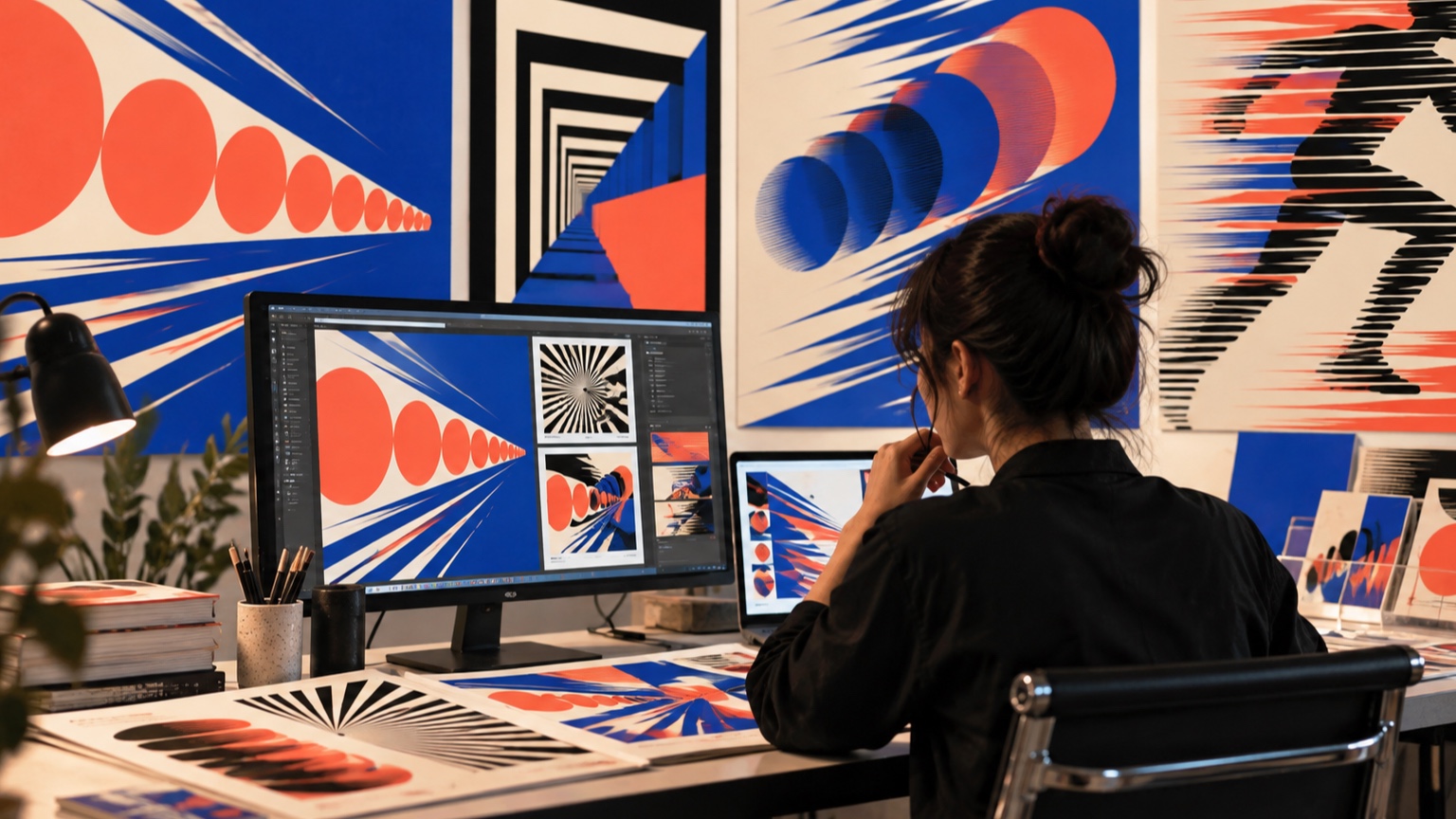
The moving subject needs enough contrast to remain distinct from its background. Fine gray edges may look elegant in a still frame but smear or disappear in playback. Stronger value separation around the active area often helps more than adding detail. Edge treatment can also imply speed. A crisp leading edge with a softer trailing edge suggests direction, while uniformly blurred contours make the entire image feel out of focus. Keep important contact points—feet on the ground, a hand on a handle—clear enough to explain the action.
Try Sequential Reveal
An object can seem to travel when different portions are revealed in order.
A row of cut-paper openings, masks, shutters, or lights can expose successive positions without moving the printed subject itself. The eye connects the appearances when their spacing and timing form a credible path.
Begin with three stages and make the direction obvious. Add stages only if the jump remains too large. Control overlap carefully: too many visible positions become a trail, while too little overlap can look like unrelated blinking objects.
Explore Moiré and Barrier Effects
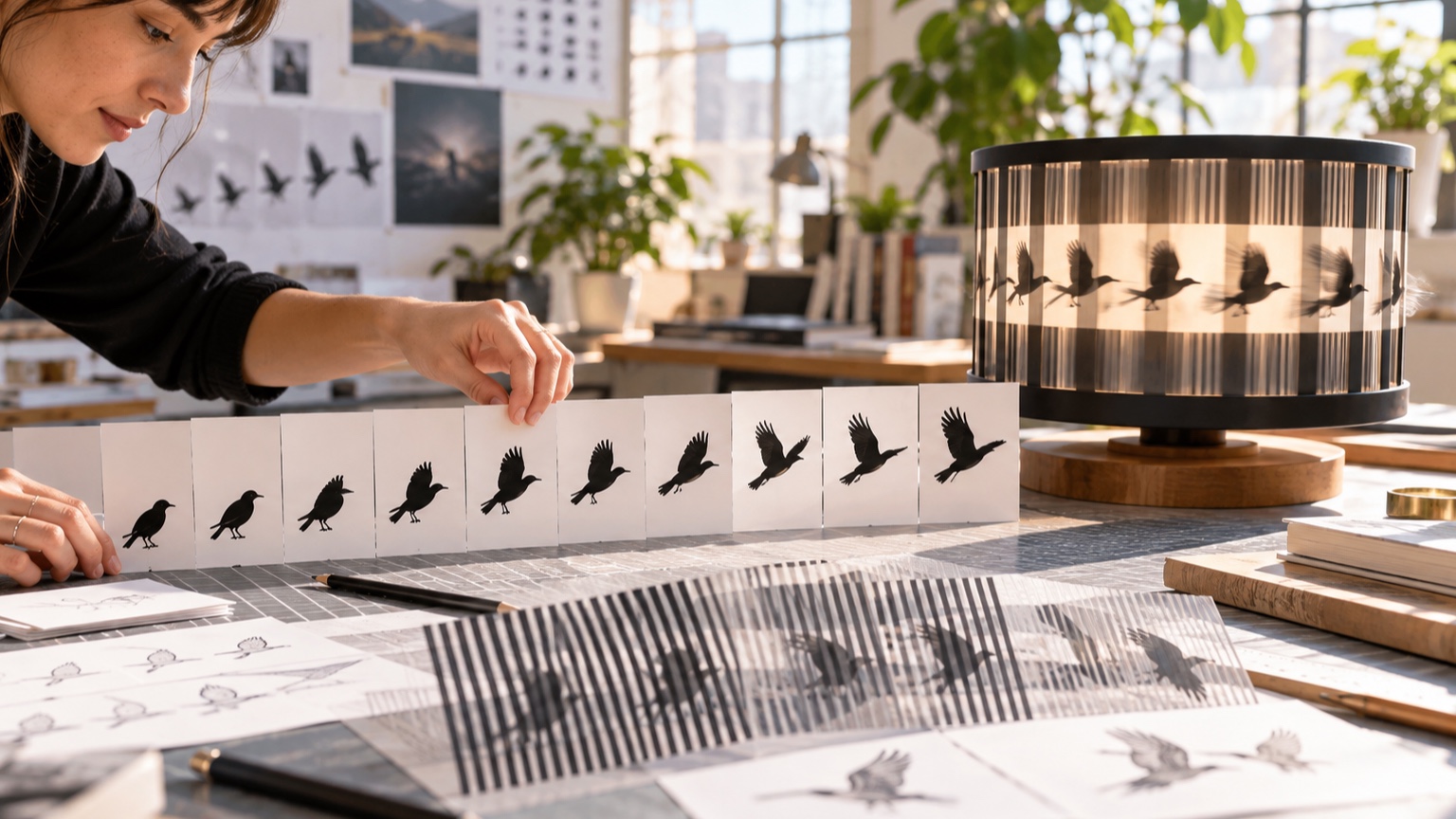
Moiré patterns appear when repeated lines or grids interfere with one another. Sliding one patterned layer across another can produce waves, expansion, rotation, or crawling motion that is much larger than the physical shift. Barrier-grid animation uses a striped mask to reveal narrow slices of different images in sequence. These effects demand accurate spacing. Print a small calibration strip before finishing the artwork, because printer scaling and material stretch can alter the pitch. Keep the viewing distance in mind; a pattern that looks clean in the hand may merge into noise across a room. Fine stripes can also cause discomfort, so avoid aggressive contrast and prolonged exposure when the pattern occupies a large field of view.
Build Depth With Layered Cards
Separate foreground, subject, and background elements onto individual cards. Shifting the layers at different rates creates parallax, while moving a viewing slot can animate the relationship without redrawing every object. Even a few centimeters of depth can make the result feel spatial.
Use registration marks outside the visible area and keep the cards square to their track. Shadows between layers may enhance depth or reveal unwanted gaps. Test with the actual light direction before deciding the spacing, particularly when translucent materials are involved.
Use Light to Animate Static Artwork
Changing illumination can make a fixed image appear to transform. Separate light sources may reveal different painted details, cast traveling shadows, or activate reflective and fluorescent materials in sequence. The artwork remains still while the visible information changes. Design each lighting state as a complete image. Spill from an inactive source can leave both states visible and weaken the transition. Photograph the effect with locked exposure, because automatic cameras may disguise contrast problems that the audience will notice directly.
Match the Frame Rate to the Display
Frame rate describes how many images appear each second, but the display method determines what that number feels like.
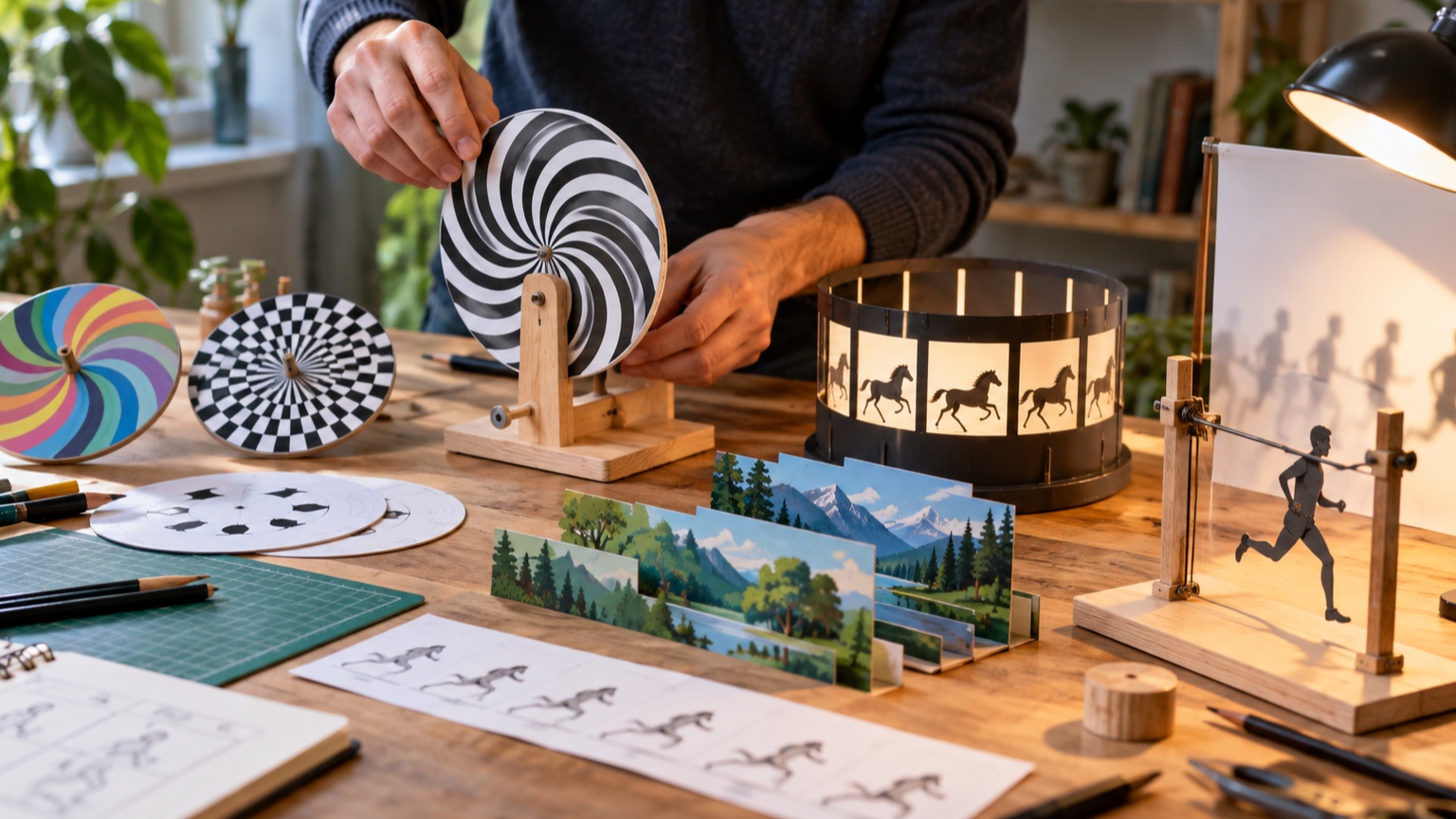
A flipbook depends on hand speed, a zoetrope on slot count and rotation, and a screen on refresh behavior and frame duration. There is no single correct rate for every device.
Test slow enough to see individual drawings, then increase speed until the action connects. If it flickers or doubles, examine exposure and blank intervals instead of merely adding frames. The best setting preserves the intended timing while remaining comfortable to watch.
Avoid Double Images and Smear
When successive frames remain visible too long, fast objects can appear doubled or blurred. Bright displays, long camera exposures, reflective surfaces, and flexible printed strips can all contribute. A cleaner image may require shorter illumination, darker intervals, stiffer registration, or less distance between positions. Do not remove all blur by default. A controlled trail can reinforce direction in a graphic sequence. Keep the focal feature crisp and place any blur where the form has just been, not ahead of the action. Compare the result with your eyes and on camera, since the two may integrate frames differently.
Photograph and Align Physical Frames
Mount the camera firmly, lock focus and exposure, and mark the artwork position before photographing a stop-motion or replacement sequence. Tiny shifts in framing turn stationary areas into distracting jitter. A remote shutter or timer prevents the camera from moving at capture.
Use reference points outside the crop to align frames, then inspect a quick alternation between them. Correct rotation and scale before retouching the artwork. Consistent lighting is equally important; a cloud crossing a window can create a pulse that looks like an intentional effect.
Prototype With Simple Materials
Index cards, tracing paper, binder clips, and a phone camera are enough to test most still-image motion ideas. Build the smallest version that answers the main question: do the poses connect, does the grid reveal the frames, or does the loop close? Rough materials encourage useful changes. A polished print can make the team reluctant to adjust spacing even when the motion is weak. Keep notes on dimensions and playback settings so a successful cardboard test can be reproduced accurately in the finished piece.
Evaluate the Motion at Actual Size
Scale changes what the audience can follow.
A subtle hand action that reads on a monitor may vanish on a large display viewed from far away, while a high-contrast stripe pattern can become overwhelming when enlarged. Preview the sequence at its delivery dimensions and typical distance.
Invite viewers who do not know the intended action. Ask what moved, where it went, and whether any frame seemed to jump. Their descriptions will reveal missing keys and confusing silhouettes more reliably than asking whether they “like” the animation.
Prepare the Final Playback or Mechanism
Export or assemble the sequence with the approved order, timing, crop, and color settings. For physical devices, record slot widths, layer spacing, rotation speed, lighting position, and the direction of travel. Label the starting frame so maintenance does not accidentally reverse the sequence. Run the final system long enough to expose heat, drift, loose alignment, or dropped frames. Save a reference video of the approved motion along with source images and a simple reset procedure. The finished illusion should be as easy to restore as it is satisfying to watch.